
AI workflow
The behaviour a camera can see, on the cameras a shop already has.
Reaching, concealing, crouching, and lingering, scored as body movement. It opens a card for a person to look at. It never names anybody.
The problem
What this is for
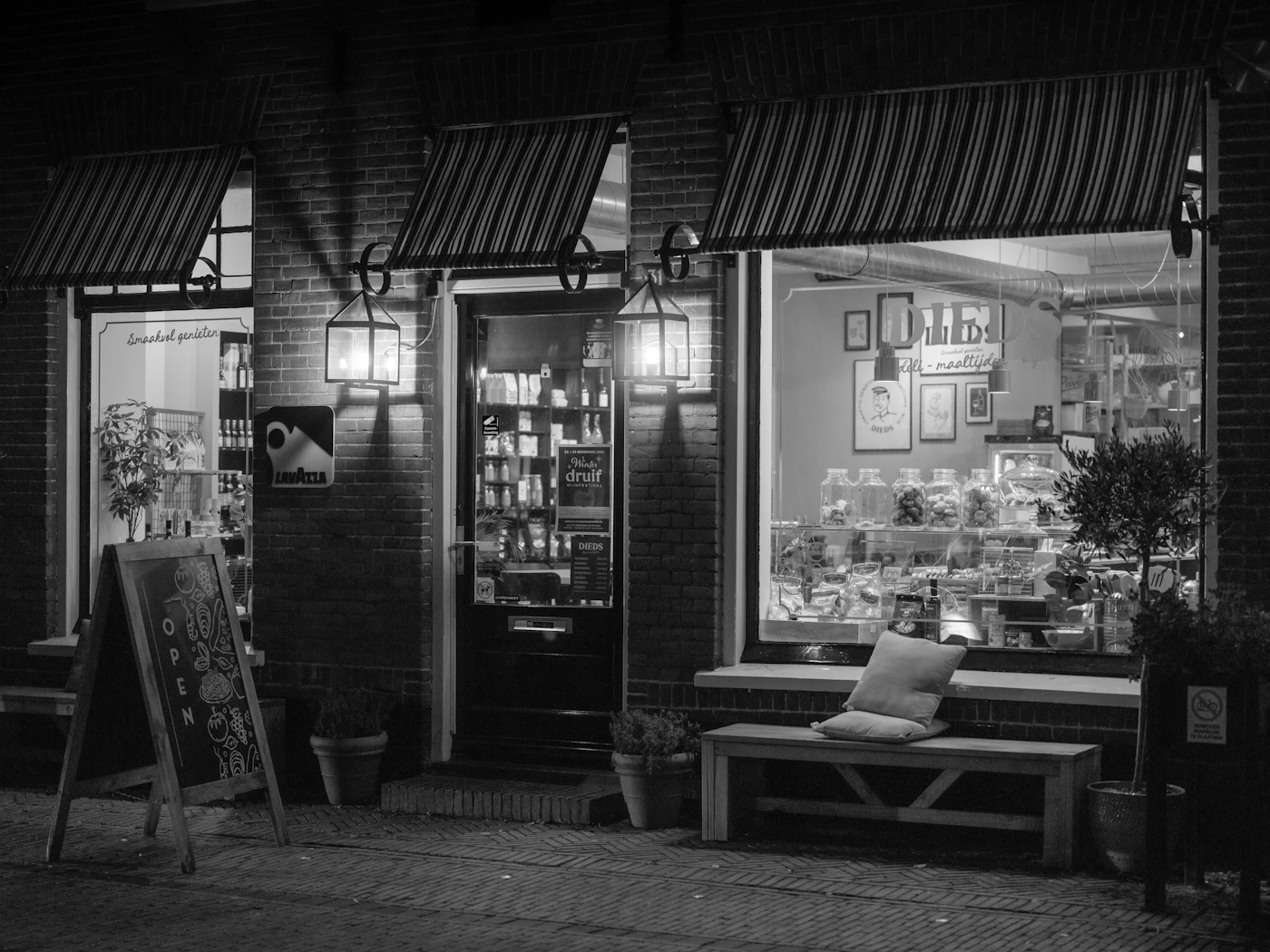
Most shrink is ordinary concealment and after-hours entry, which is the part a camera can see. The recordings usually exist. They get watched after the stock count, which is weeks after the person walked out.
- US inventory shrink, 2025
- About $90 billion
- Share of that which is theft
- About 65%, external and internal
- Organized retail crime
- Touched 67% of surveyed retailers, roughly a tenth of shrink
National Retail Federation, read 2026-08-12
National Retail Federation, read 2026-08-12
National Retail Federation, read 2026-08-12
Figures are the publisher's, read on the date shown. Check the source before you plan around one.
The workflow
9 stages, and what runs where
Each stage names the module behind it. The chip says whether it runs on your network or ours.
- On the camera
- 1 stage
- On the appliance
- 4 stages
- In the cloud
- 3 stages
- With a person
- 1 stage
- On the camera
The same cameras, a second job
Behaviour runs on cameras you have already installed and already rated. Arming is per camera, so an aisle can be watched and a stockroom left alone.
cameras.behaviorArmed. Arming is configuration, and the kill switch is a separate column.
- On the appliance
A sidecar, never the weapons process
Behaviour runs beside firearm analysis in its own process, with its own lane. A firearm batch never waits behind a shoplifting one.
behavior_run.py and supervisor/behavior-lane.ts. The behaviour lane is droppable and flushes last.
- On the appliance
Bodies, not faces
A pose model reads joints: shoulders, hips, elbows, wrists. Nothing about a face is computed, stored, or sent.
behavior/pose.py, the only module here that touches pixels. Its checkpoint is sha256 verified before it loads.
- On the appliance
Five cues, measured in torso units
Reaching, concealing, crouching, dwelling, and presence. Every threshold is a fraction of that person's own torso, so distance from the lens does not change the answer.
behavior/features.py. A body with no measurable torso is refused rather than guessed at.
- On the appliance
A score that converges rather than climbs
Cues accumulate with the same repetition discount the firearm side uses. One clean concealment gesture lands over review and well under urgent.
behavior/scoring.py. Repeated concealment alone converges to 0.846, still under the urgent floor of 0.85.
- In the cloud
A floor this camera measured for itself
Each lens proposes a floor from its own weeks of traffic. An administrator applies it, and declining is recorded so it stops asking.
behavior/calibration.ts proposes. Two actions in theft-actions.ts are the only writers of the column.
- In the cloud
Below the floor is still written down
A raised floor hides a card, never the event. The next measurement reads those rows, so a quiet camera and a silenced one are different things.
The same rule the firearm engine follows when it records a below-threshold detection.
- In the cloud
A card, not an alarm
Noted, review, or urgent. These grade how much a look is worth interrupting for. None of them wears the colour an open firearm incident wears.
behavior/severity.ts. check:theft reads the appliance scoring off disk and asserts the two agree.
- With a person
A queue somebody works when they can
Cards land in a loss prevention queue with the frame attached. An urgent card messages your own staff, and any call to police is yours to make.
/app/theft. A card ages out on its own if nobody gets to it.
What it runs on
A business, church, clinic, or venue, running the Business configuration. Segments are settings over one codebase, never separate products.
Cameras you already rated
The estate the firearm workflow already measured. Behaviour is armed per camera, so you choose which aisles are watched.
The appliance already on site
The sidecar runs on the same box. It is a per-camera monthly add-on, counted separately from analysed cameras.
A queue and a reviewer
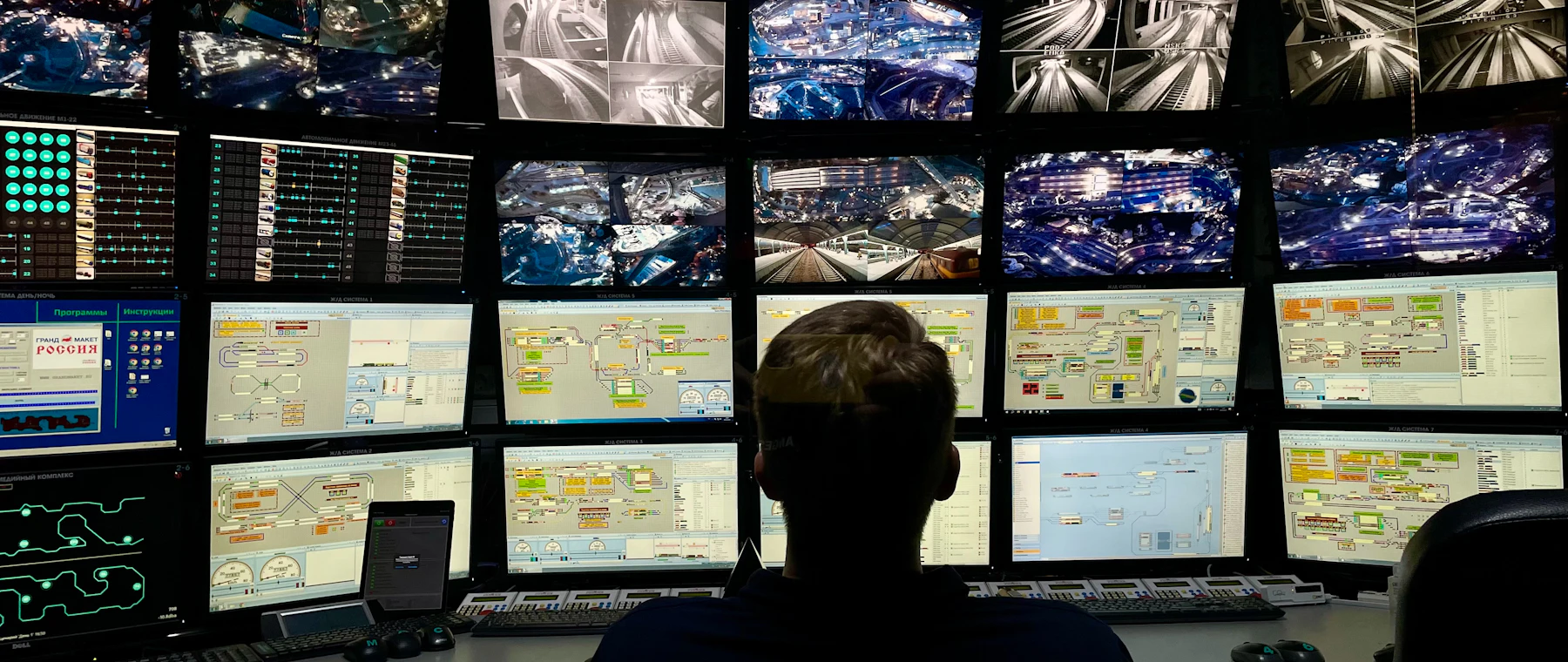
One screen, one card per event, with the frame and the cues that opened it. Worked when somebody has a minute.
A kill switch
One press stops behaviour analysis site-wide without losing which cameras were armed. Honoured at the box and again at intake.
Why this shape
What the design buys
One box, two jobs
The appliance bought for the worst day earns its rent on the ordinary ones. Nobody else sells weapons and theft on one box.
Body movement only
No face, no gait, no watchlist, no re-identification across visits. What the model reads is joint geometry, and the rule is enforced in the cue module.
Each camera sets its own floor
A busy doorway and a quiet aisle produce different traffic. Each lens measures its own weeks and proposes a floor for a person to apply.
Limits
What it refuses
Stated here rather than found later. Each of these is enforced somewhere in the code, not only written on a page.
Each visit stands alone
A card holds a few seconds of movement and no identity. Two visits by one person read as two strangers.
A card is a suspicion
Concealment geometry is somebody putting something out of sight. That is a phone in a pocket as often as it is stock, and a person decides which.
The response is yours
A card lands in your queue and stays with your staff. Any call, to police or anybody else, is one of yours.
Cameras, not tills
This is camera behaviour. Sweethearting, refund fraud, and stock counts are questions your point of sale answers.
Read next
Where to go from here
Retail
The estate a shop usually has, and where a weapon is actually in frame.
Firearm detection for business
The analyzer this one runs beside, on the same appliance.
Pricing
A per-camera monthly add-on, counted over behaviour cameras alone.
Privacy
What is stored, for how long, and what never leaves the building.
The other analyzers
Firearm detection and Home visual alarm, on the same appliance and the same pipeline.